ZOrbit
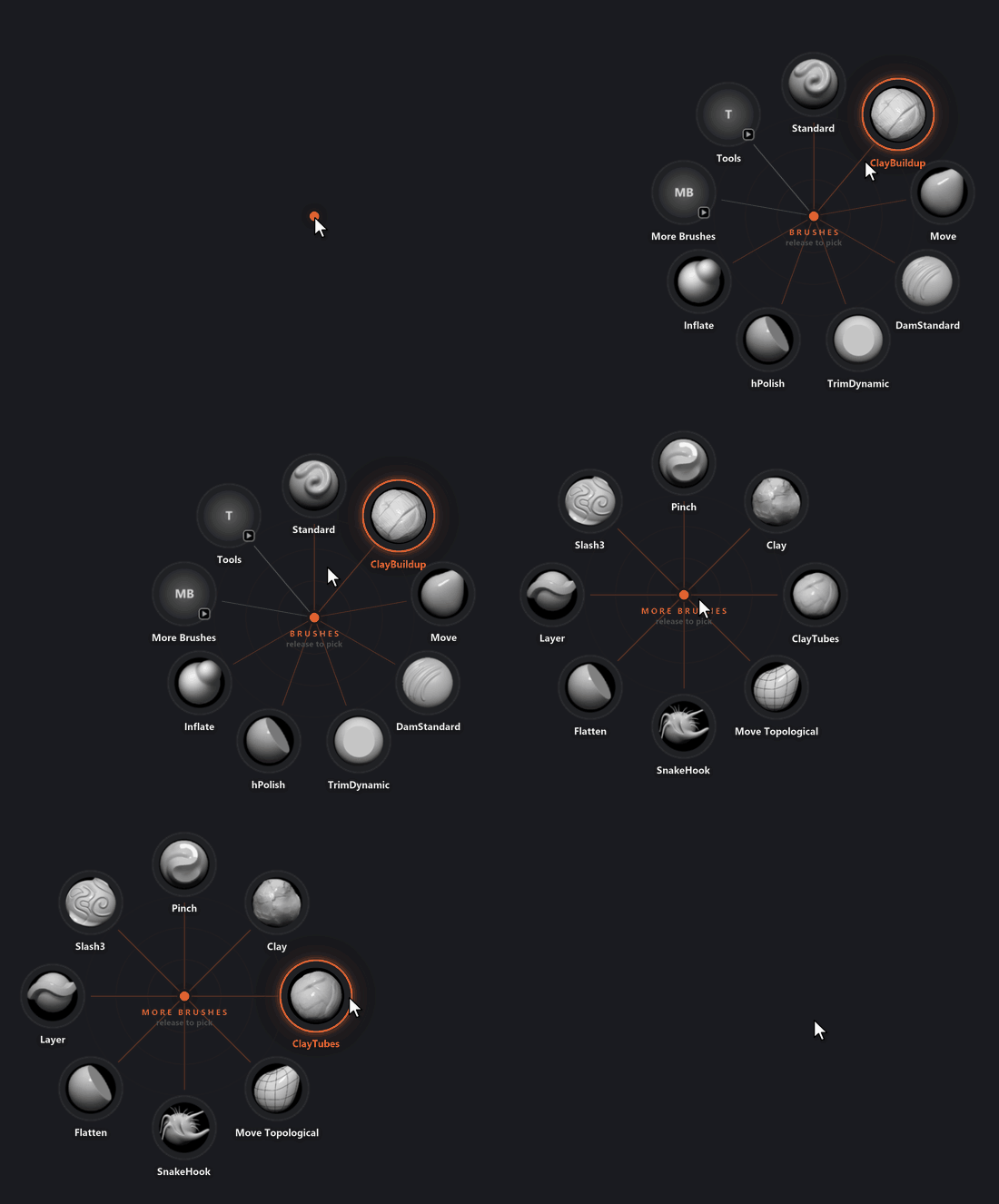
ZOrbit is a radial brush menu for ZBrush. Press Q over ZBrush and a ring of your favourite brushes and buttons appears around the cursor. Flick toward one and let go, and ZBrush switches to it. You choose what goes on the ring in a small editor called ZOrbit Studio. It is free, open source (GPL-3.0), and runs on Windows.
If you know pie menus from Blender or marking menus from Maya, ZOrbit brings that to ZBrush.
Where to start
New to ZOrbit? Read these two in order:
- Install and uninstall: requirements, the installer and the plugin for ZBrush 2022 to 2025.
- Getting started: the first ring and your first edit in Studio.
Then the pages on using it:
- ZOrbit Studio: the editor, its screens and how saving works.
- Menus and items: every item type, submenus and fans.
- Tags: colour, filter and group your brushes, alphas, materials and textures.
- Browser window: the window that shows everything ZBrush can load, plus Favourites and Recent.
- Hotkeys and picking: hotkey syntax, hold and release, tap and click, flicks.
- Appearance: ring size, colours, tag colours and the open animations.
- Files, backups and logs: import and export, and where everything is stored.
If something does not work, start with Troubleshooting. How ZOrbit talks to ZBrush explains how a pick reaches ZBrush, and Build from source is for making the installer yourself.
Under heavy development
ZOrbit is under heavy development. New versions come out often, so screens and settings can move between them. Feedback is welcome, including "I didn't get what this button does". Open an issue at github.com/combwizard/zorbit/issues.